> For the complete documentation index, see [llms.txt](https://docs.nannyml.com/cloud/llms.txt). Markdown versions of documentation pages are available by appending `.md` to page URLs; this page is available as [Markdown](https://docs.nannyml.com/cloud/product-tour/model-side-panel/model-settings/data-quality-settings.md).
# Data Quality settings
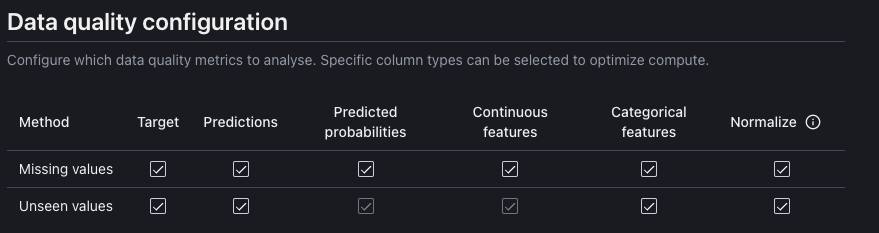
Here you can configure which data quality metrics to analyse. Specific column types can be selected to optimize compute.
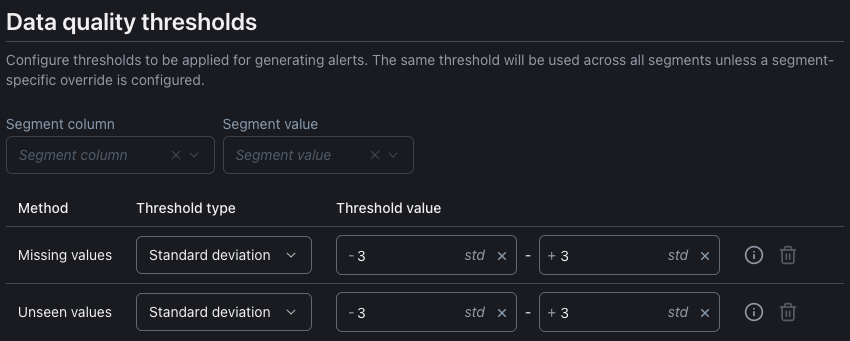
Each enabled metric allows you to set up a threshold for sending notifications for that metric. By default, the thresholds are applied across all segments unless specified otherwise.