> For the complete documentation index, see [llms.txt](https://docs.nannyml.com/cloud/llms.txt). Markdown versions of documentation pages are available by appending `.md` to page URLs; this page is available as [Markdown](https://docs.nannyml.com/cloud/product-tour/model-side-panel/model-settings/general.md).
# General
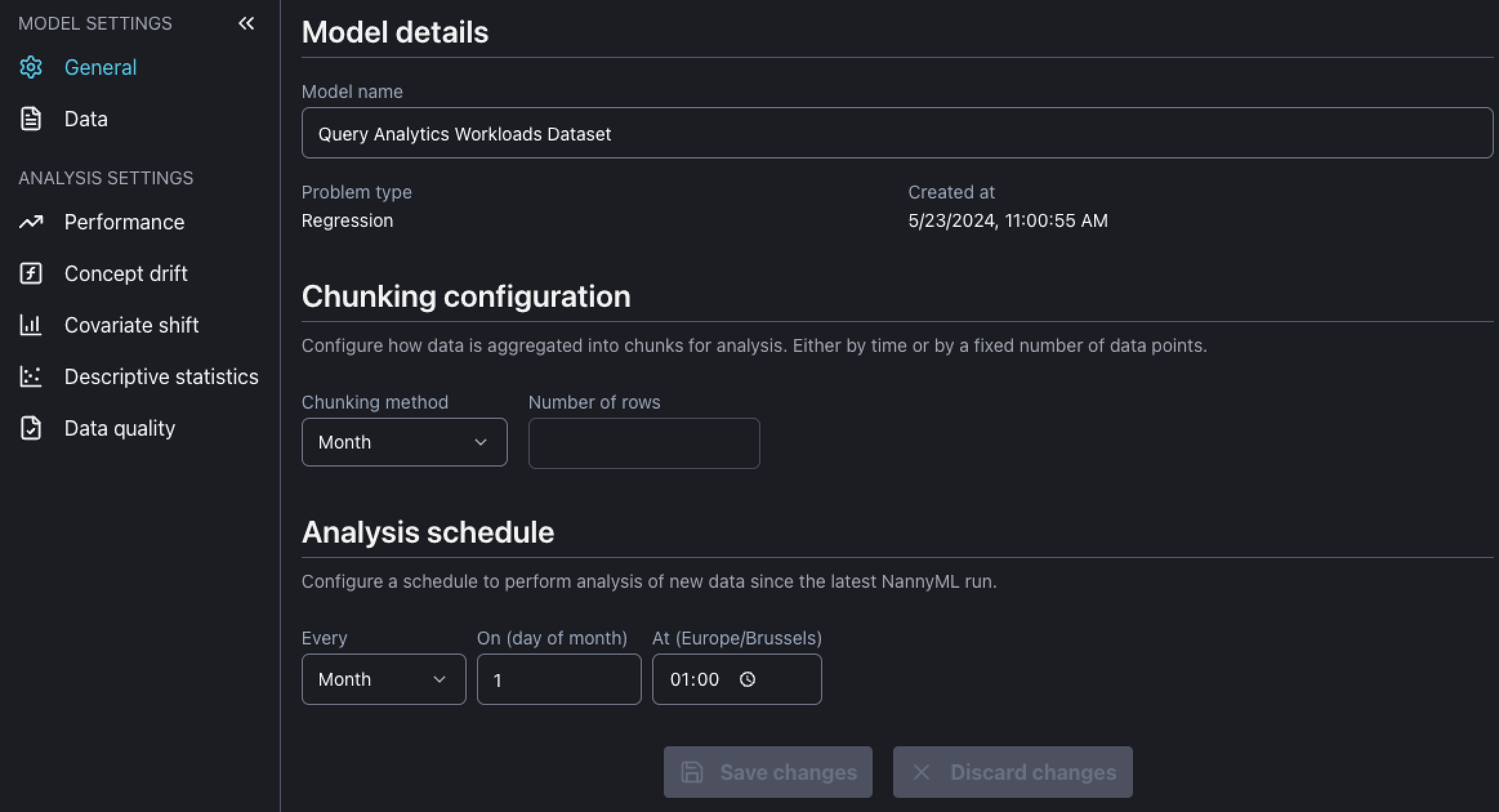
Here, you can change the model details like:
* Model name: It is possible to change the model display name
* Chunk configuration: Chunking determines how metrics will be aggregated, i.e. the granularity of the monitoring analysis. The chunks can be defined in a time basis (Month, Week, Day...) or by size (number of rows)
* Analysis schedule: Schedule when the NannyML will perform the performance analysis over new data
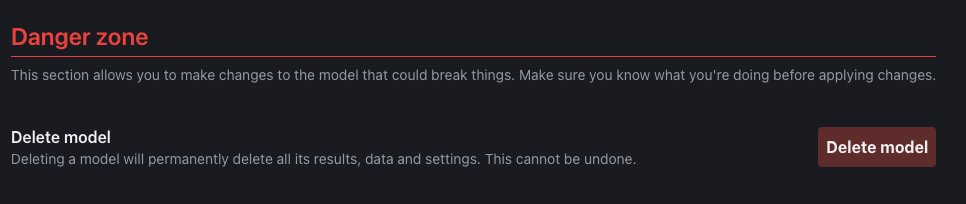
It is also possible to delete a model by clicking on Delete model button under the Danger zone. Please be advised deleting a model will erase all analysis results this model.