> For the complete documentation index, see [llms.txt](https://docs.nannyml.com/cloud/llms.txt). Markdown versions of documentation pages are available by appending `.md` to page URLs; this page is available as [Markdown](https://docs.nannyml.com/cloud/v0.23.0/product-tour/deleting-a-model.md).
# Deleting a model
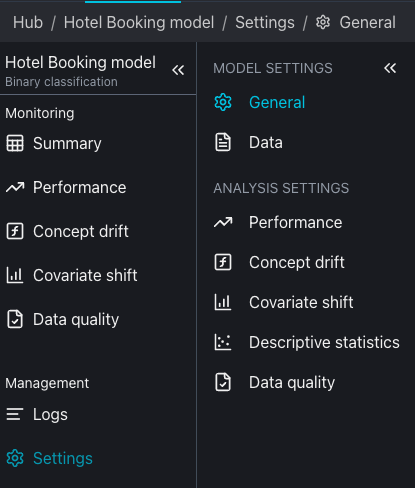
It is possible to delete a model by navigating into the model settings on the left side panel and then going into the general options.
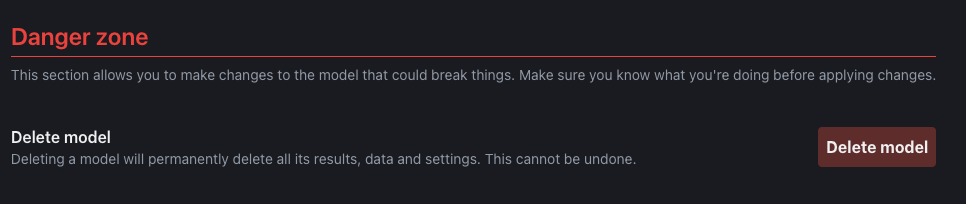
In order to delete a model, find the Delete model button under the Danger zone and click on it. Please be advised deleting a model will erase all data related to performance analysis over this model.