> For the complete documentation index, see [llms.txt](https://docs.nannyml.com/cloud/llms.txt). Markdown versions of documentation pages are available by appending `.md` to page URLs; this page is available as [Markdown](https://docs.nannyml.com/cloud/v0.24.0/deployment/azure/azure-managed-application/finding-the-url-to-access-managed-nannyml-cloud.md).
# Finding the URL to access managed NannyML Cloud
This page shows you how to retrieve the application URL for a deployed managed NannyML Cloud instance from within the Azure portal.
1. Sign in to the Azure [portal](https://portal.azure.com/).
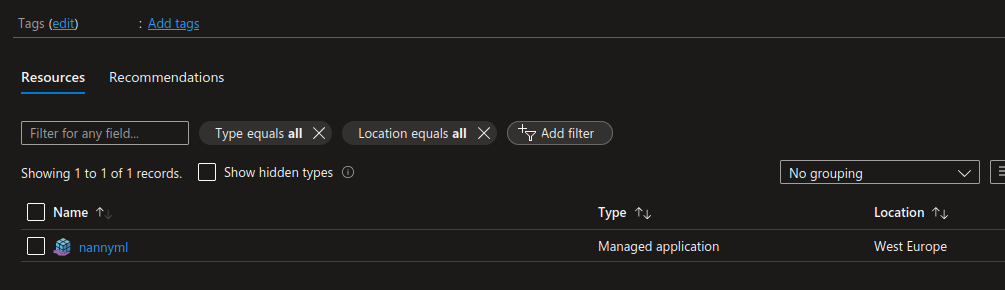
2. Navigate to your managed NannyML Cloud instance in the portal. You can navigate there by subscription, resource group, or by using the search bar.
Resources page with our instance.
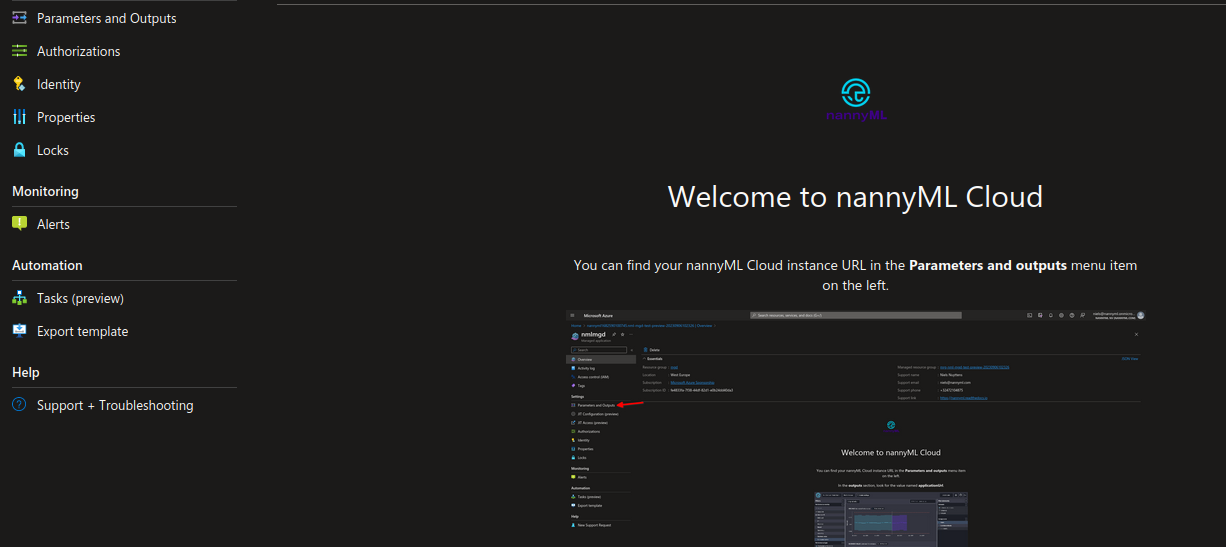
3. Click the managed application to see its overview page and details.
The overview page.
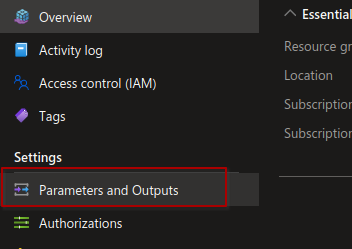
4. In the left sidebar, click the **Parameters and Outputs** entry.
Parameters and outputs entry.
5. Look for the `applicationUrl` in the **outputs** section