> For the complete documentation index, see [llms.txt](https://docs.nannyml.com/cloud/llms.txt). Markdown versions of documentation pages are available by appending `.md` to page URLs; this page is available as [Markdown](https://docs.nannyml.com/cloud/v0.24.2/product-tour/model-side-panel/model-settings/descriptive-statistics-settings.md).
# Descriptive Statistics settings
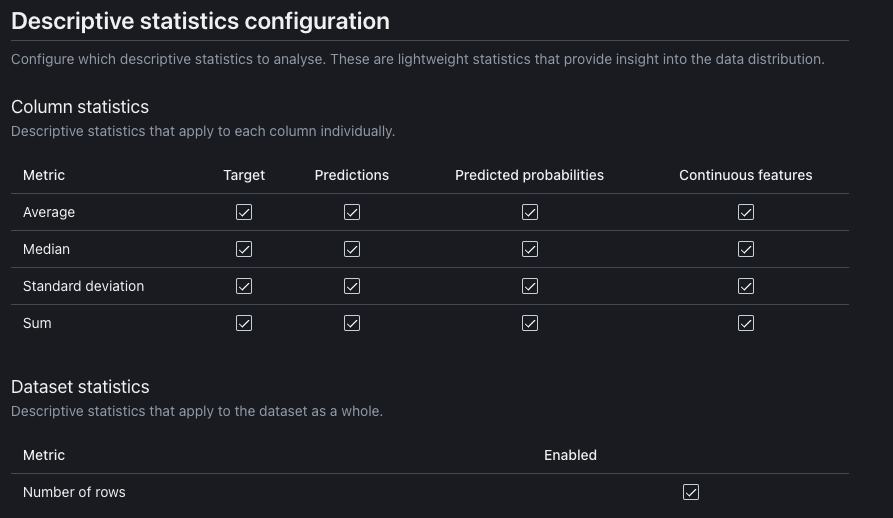
Here you can set up which descriptive statistics to analise. These are lightweight statistics that provide insight into the data distribution.
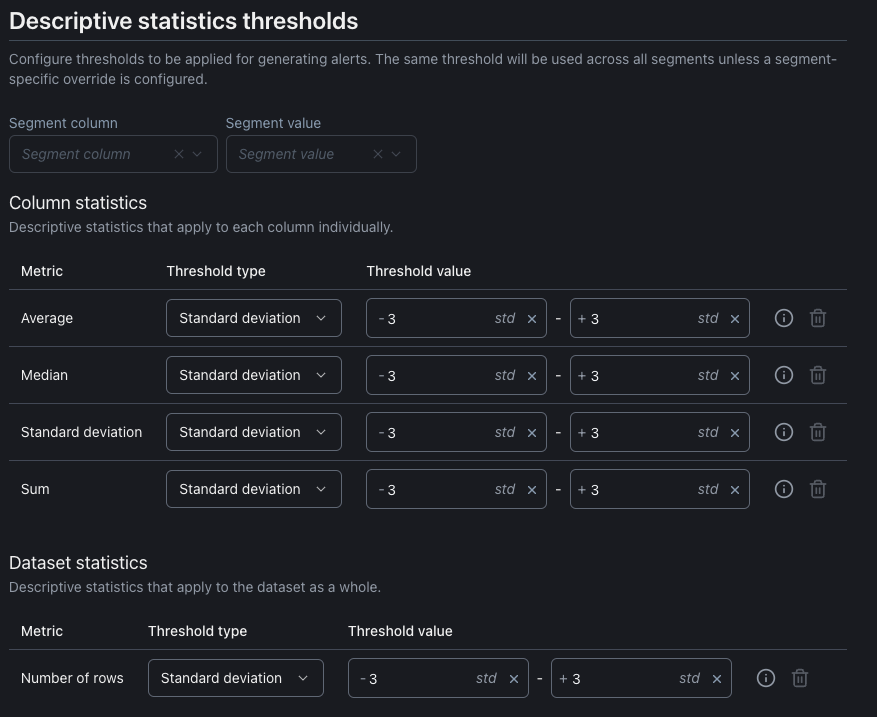
Each enabled metric allows you to set up a threshold for sending notifications for that metric. By default, the thresholds are applied across all segments unless specified otherwise.