> For the complete documentation index, see [llms.txt](https://docs.nannyml.com/cloud/llms.txt). Markdown versions of documentation pages are available by appending `.md` to page URLs; this page is available as [Markdown](https://docs.nannyml.com/cloud/v0.24.2/product-tour/model-side-panel/model-settings/performance-settings.md).
# Performance settings
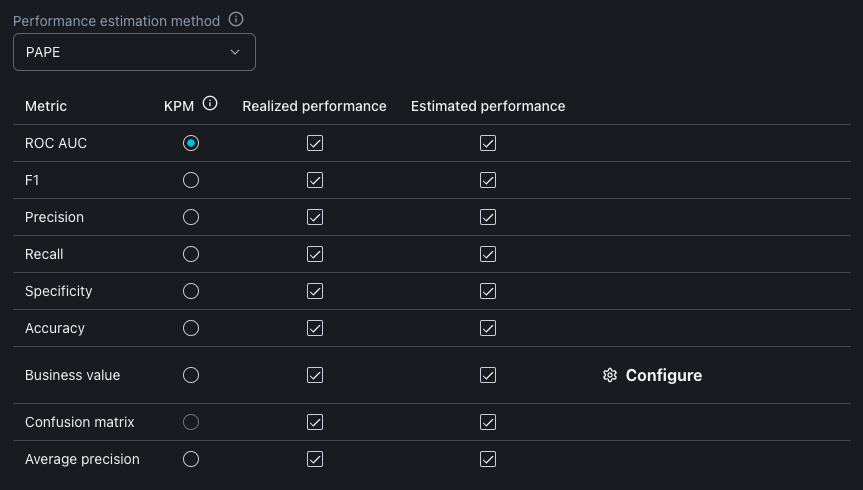
Here, you can select and configure the performance metrics you want to monitor. The metrics will either be calculated and/or estimated depending on the selected performance types. Calculating metrics and thus measuring realized performance is only possible if targets are supplied.
To estimate or calculate business value, a cost/benefit has to be assigned to each component of the confusion matrix. For example, a true positive prediction earns X, and a false positive prediction costs Y.
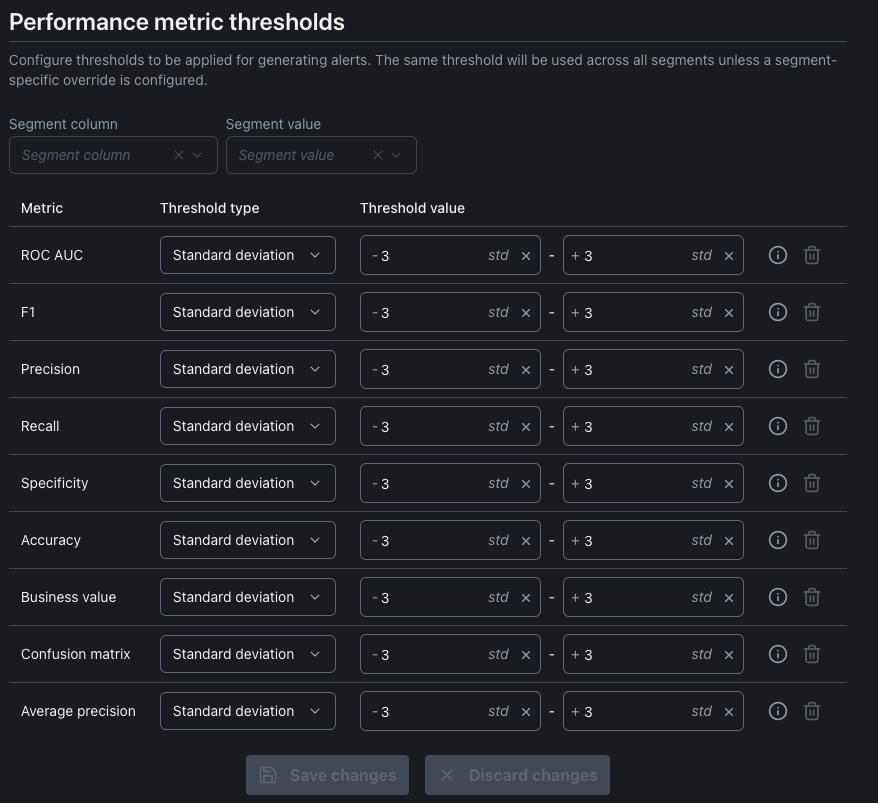
NannyML automatically extracts thresholds based on the supplied reference data, but it is possible to configure a custom threshold here. By default, the thresholds are applied across all segments unless specified otherwise.
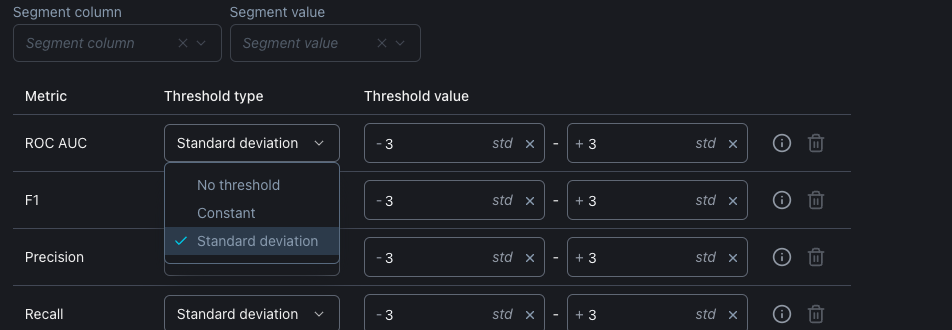
There are two types of threshold constants and standard deviation-based thresholds: